
Message Status
See what’s pending, in progress, or finished, and how it did.
Wondering whether a message went out? Open Message Status.
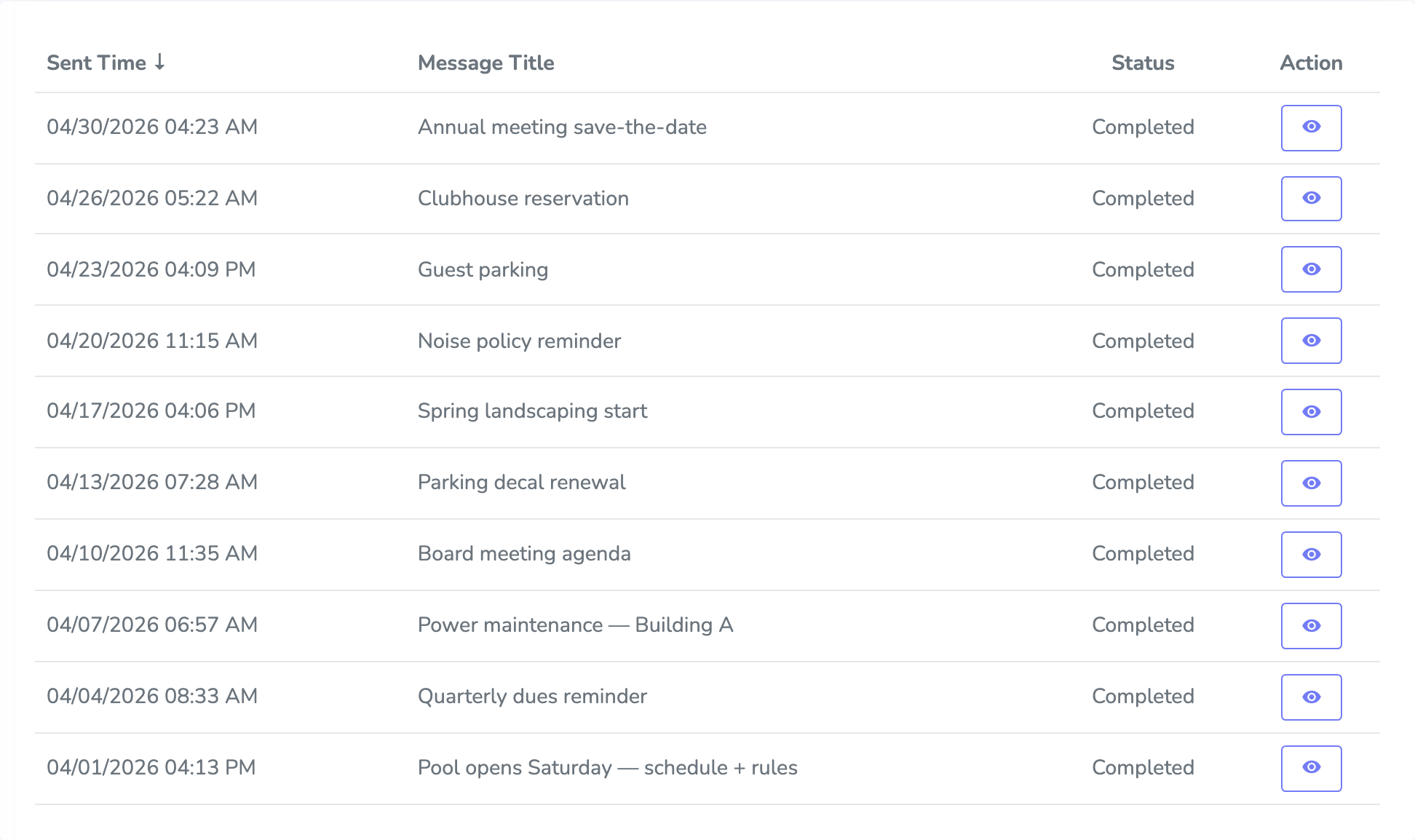
You’ll get a list with when it was sent, the Message Title, and whether it’s Pending, In Progress, or Completed. Search by title if the list is long, then click a message to open it.
You can start a new one from here too, with Send A Message.
Opening a message
Click a message when you want to see the wording, the recording, or how it landed.
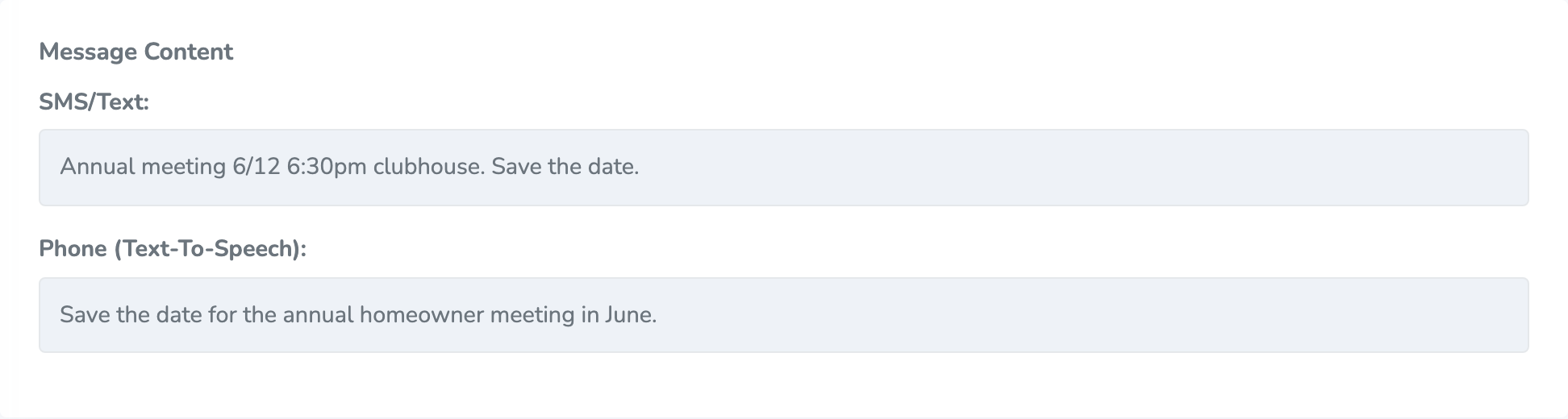
At the top you’ll see Sent Time, Title, and Status. Further down is the actual content: the email subject and body, any attachments, the SMS/Text, and the Phone message. If it was a call, you can play the recording or the Text-To-Speech audio.
Changing your mind
If it’s still Pending, you can click Delete message and confirm. After it starts sending, you can’t delete it.
Delivery
Once a message is In Progress or Completed, you’ll get cards for Email, Text/SMS, and Phone. Each one can show totals and a chart. Click Download CSV on a card if you want a spreadsheet for that channel.
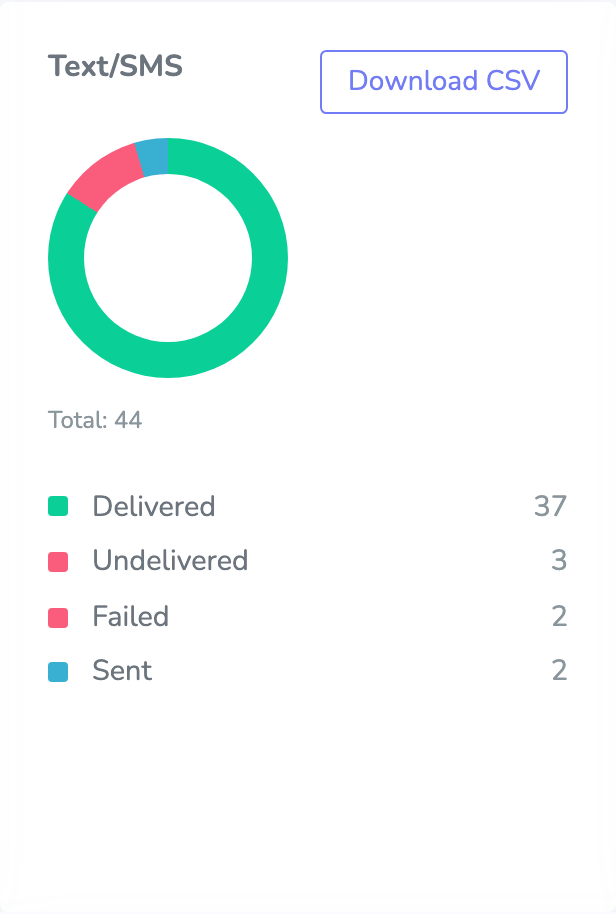
The tabs under those cards list each contact and a Delivery status. For phone calls, you may also see Call duration (sec).